


The Electronic Vehicle Information Center (EVIC) features a driver-interactive display that is located in the instrument cluster.
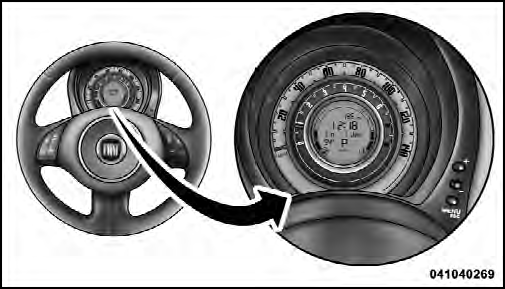
Electronic Vehicle
Information Center (EVIC) Display
The EVIC consists of the following:
• System Status
• Vehicle Information Warning Message Displays
• Personal Settings (Customer-Programmable Features)
• Outside Temperature Display
• Trip Computer Functions
See also:
Extending the boot
Single rear seat
Proceed as follows:
❒ fasten the seat buckles to the tabs on the seat back (as shown by arrows);
❒ check that the webbing (A) of each of the two side seat belts is ...
Supplemental Driver Side Knee Air Bag
The Supplemental Driver Side Knee Air Bag provides enhanced protection and works
together with the Driver Advanced Front Air Bag during a frontal impact. ...
If an exterior light burns out
Alterations or repairs to the electric system not carried out correctly and
without taking into account the system specifications may cause failures and the
risk of fire.
See “If a bulb burns ou ...